Carnado Stunt Car
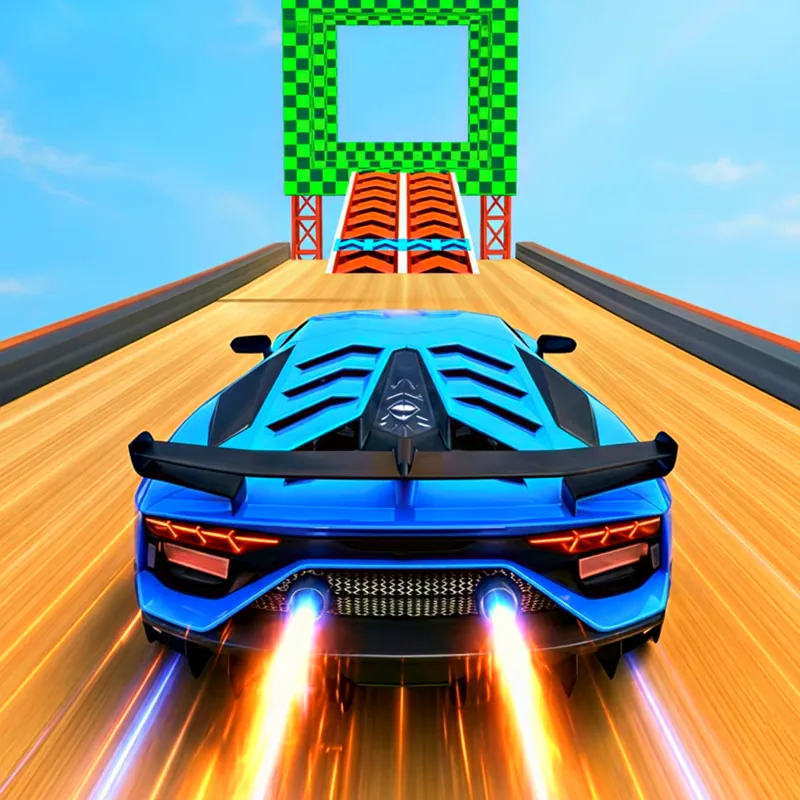
A driving game set in an open city that works as a stunt playground. It suits players who prefer exploring and trying jumps to following a fixed race track.
What you do in the game
The whole city is the playground. Poki lists ramps, bridges, ports and secret spots to find, plus hidden missions and a collection of cars. You can drive alone or share the screen with a second player. Because nothing forces you down one road, a good first session is simply to drive and see what the city offers, then decide which ramp or bridge to try.
You accelerate with W or the Up arrow and brake with S or the Down arrow. A and D, or the Left and Right arrows, steer. Space makes the car jump, which matters when a ramp or a gap is in front of you. The game lists drifting as something you do through traffic, so a turn is not only a way to change direction; it can be part of a stunt.
Poki also lists a few utility keys. ESC pauses the game, R resets, and C changes the camera. Try the camera early, because a different angle can make a ramp or a bridge easier to judge. The camera key is worth learning early. If you cannot judge a landing from one view, press C and look at it from another, and use R when a stunt leaves the car in a bad spot.
Poki describes drifting through traffic as part of the fun. Without a fixed route, you choose your own goals: chase a hidden mission, test a ramp or simply collect more cars. The collection of cars gives the game a long tail: Poki lists more than one vehicle to find, so the exploring has a reason beyond the jumps.
What each input does
- W or Up arrow
- Accelerate
- S or Down arrow
- Brake
- A / D or Left / Right
- Steer
- Space
- Jump
- ESC
- Pause
- R
- Reset
- C
- Change camera
Before your first run
Spend the first drive on empty roads to learn how the car turns before you try a ramp. Empty roads let you learn braking and steering without a crash ending the lesson.
Switch the camera with C until you find the angle that shows you the landing. A different view can turn a risky jump into a clear one.
Use R when you get stuck instead of fighting the car. It is faster than driving back, and it keeps the session moving.
Pause with ESC to check the keys when you return to the game. The list of keys is longer than in many games, so a pause is a safe place to read it.
Look for bridges and ports; Poki lists them among the stunt spots. Searching the listed spots is the quickest way to find what the city holds.
A good fit if you like
Players who like open-ended driving, stunts and collecting vehicles more than strict races.
What may put you off
Poki says nothing about age suitability for this game. That is a general note about the listing, so check the Poki page if age matters to you.
Poki is supported by advertising, so ads may appear around the game on poki.com. Ads are Poki's choice, not this site's, and they can appear around the game on poki.com.
With so many keys, the first few minutes can feel busy. Seven or more keys is a lot for a first run, and a keyboard is easier here than a touch screen.
Questions about Carnado Stunt Car
Is Carnado Stunt Car free?
Yes. Poki lists it as a free browser game. It runs in the browser, and no Poki account is needed to start.
Can two people play?
Yes. Poki lists solo play or local play for two. Poki lists solo play or local play for two on the same device.
How do I pause?
Press ESC. ESC is the pause key, and it is a good moment to check the other keys.
What does R do?
Poki lists R as reset. Reset is the key to use when the car ends up in a bad place.
The basics, as Poki lists them
- Genre
- Racing
- Made by
- Kage Vision
- Devices
- Computer, phone, tablet
- Input
- W/Up accelerate, S/Down brake, A/D or Left/Right steer, Space jump
- Session
- Runs in the browser, no download
- Account
- No Poki account needed to start
- Age fit
- Not stated by Poki
- Updated
- Updated November 2026 (released July 2025)

